What a WordPress Maintenance Plan Includes (and What It Doesn’t)
What a WordPress maintenance plan includes, what it doesn’t, why it matters, and what it typically costs, from backups and security patches to admin user reviews.
 Clay Johnston · 8 min read
The short version
- A WordPress maintenance plan keeps your site healthy and secure after launch: backups, updates, security patches, and monitoring.
- Content changes aren’t part of it. New pages, text edits, and photo swaps are separate work, usually billed by the hour.
- Patchstack counted 11,334 new WordPress vulnerabilities in 2025. 91% were in plugins.
- The most-attacked vulnerabilities see their first attacks about 5 hours after they go public, so patching fast matters.
- Codeable puts typical plans for small business sites at $100 to $300 a month.
A site launches. Someone on the client’s team says, “We’ll keep an eye on it.” Then they get busy, and nobody logs in for a year.
Somewhere in that year, a plugin on the site turns out to have a security hole. The fix comes out that same week. Nobody installs it. The site still loads and still looks fine, and it’s now an open door.
That’s the problem a WordPress maintenance plan solves. Here’s what a good one includes, what it leaves out, and what it typically costs.
What is a WordPress maintenance plan?
It’s ongoing care that keeps your WordPress site backed up, up to date, and secure. Some companies call it a care plan. Ours is called Site Wellness Service. Same idea: your site should be as healthy a year after launch as it was on launch day.
Most months, nothing dramatic happens. That’s the point.
What does a WordPress maintenance plan include?
Seven things.
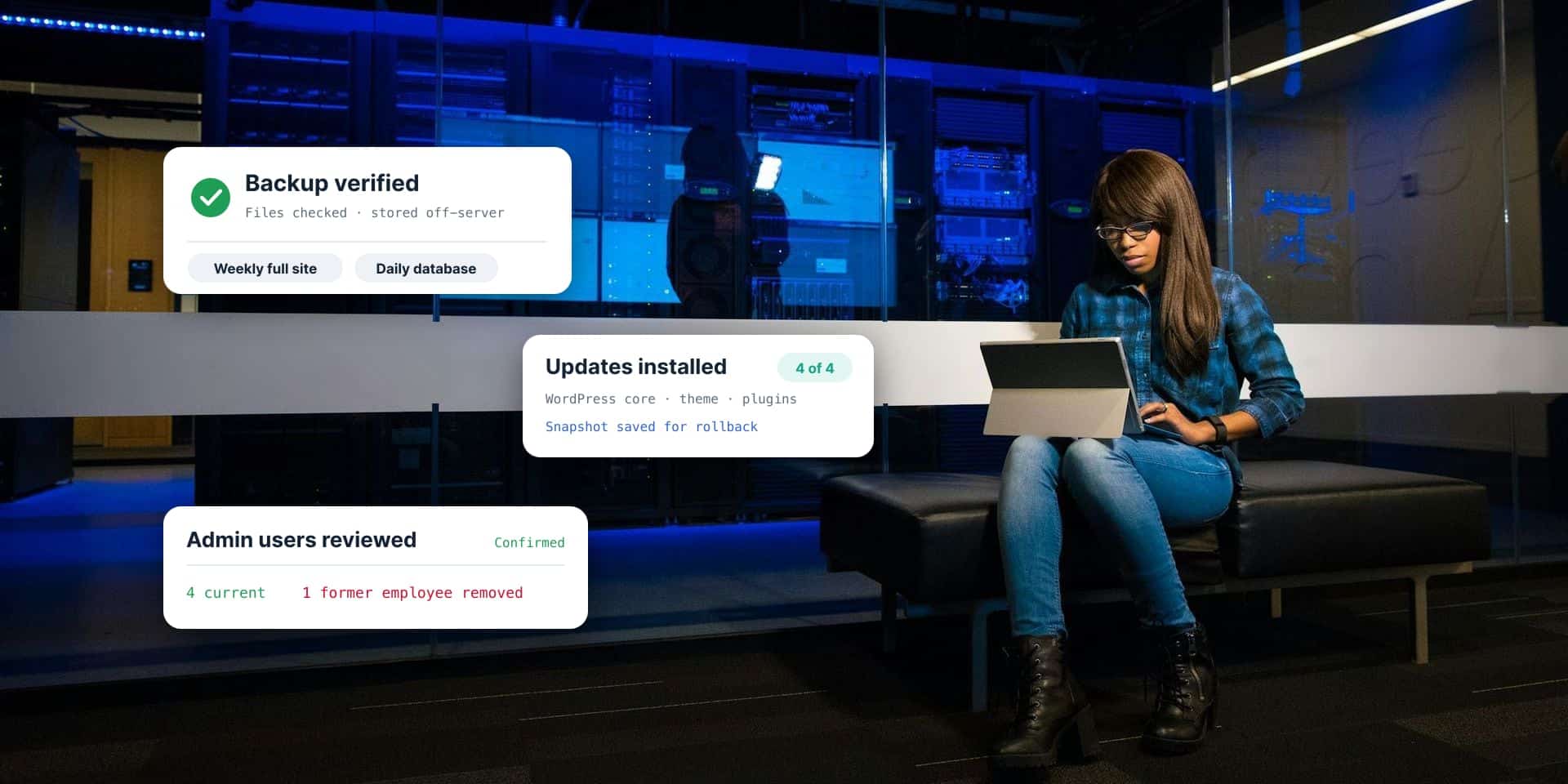
Backups that actually work. The site gets backed up on a schedule and stored off the server. Then someone checks that each backup is good and the files in it are accurate. A backup nobody has checked is a guess.
WordPress core, theme, and plugin updates. All three get updated and checked for compatibility, so an update doesn’t break the site. A snapshot of the site before and after the updates means a bad one can be rolled back right away. Plugins need the most attention, since that’s where most security problems live.
Security patches, fast. When a security flaw turns up in something your site runs, someone hears about it right away and installs the fix right away. Not at the end of the month.
Security scanning. Regular scans look for malicious code and unauthorized redirects (code that quietly sends your visitors to someone else’s site) before they hurt you or your visitors.
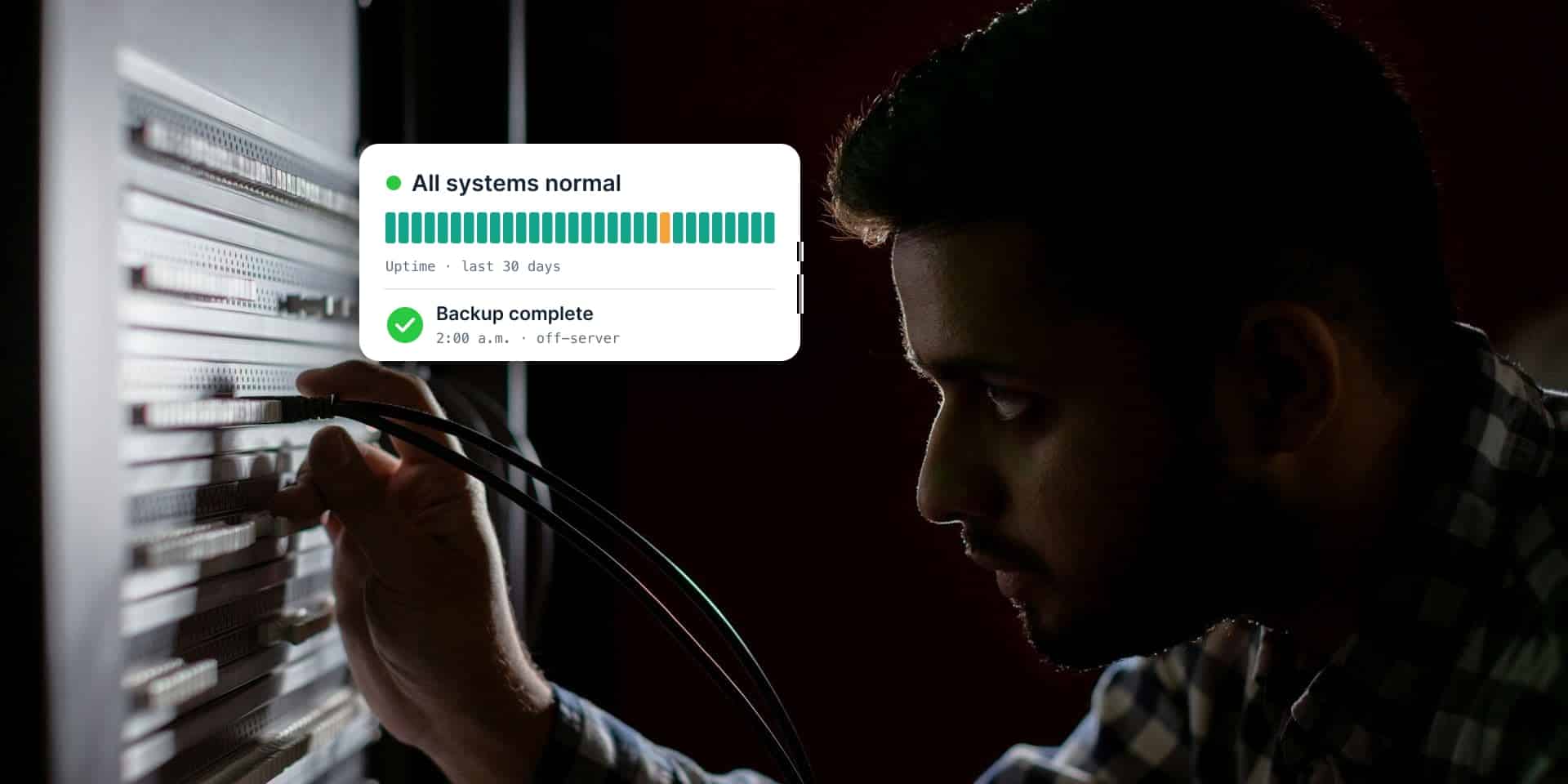
Uptime monitoring. A service checks the site around the clock. If it goes down, the people looking after it get an alert. You shouldn’t hear about it from a customer.
Database maintenance. The database is where WordPress keeps your pages, posts, and settings. It collects clutter over time, and cleaning it up keeps pages loading quickly.
User account reviews. Someone checks who can log in, especially administrators, the accounts that can change anything. Here’s what happens otherwise: an employee leaves, HR shuts off their email, and nobody remembers the website. Their admin login still works months later. A good plan goes through the user list with you and confirms everyone on it is current.
Does a maintenance plan include content changes?
No. This is the part people mix up most.
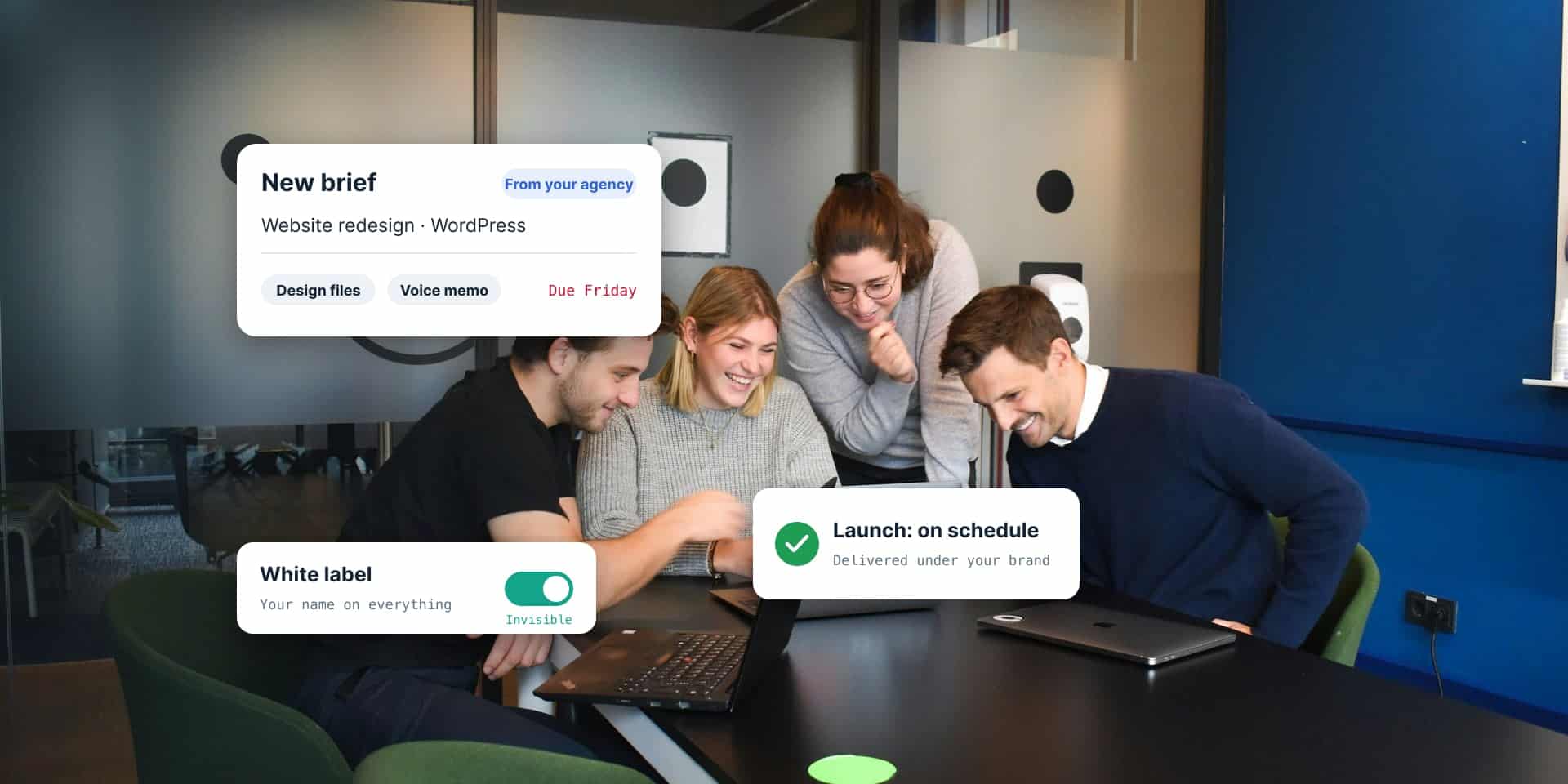
A maintenance plan keeps the site itself healthy. Content changes are work on the site: a new page, updated staff bios, a swapped photo, new hours. You request that work, and it’s usually billed by the hour, or out of a bank of hours if you need changes often.
Keeping them separate works in your favor. The plan price stays predictable, and you only pay for changes when you ask for them.
Why is WordPress maintenance important?
The security problems keep coming, and attackers move fast.
Patchstack, a WordPress security company, counted 11,334 new vulnerabilities (security holes) in WordPress and its plugins and themes in 2025. That’s up 42% from 2024. Plugins had 91% of them and themes had 9%. WordPress core, the software itself, had only 6, all low priority.
Speed is the bigger worry. For the vulnerabilities attackers go after most, Patchstack found a median of 5 hours from the moment a flaw goes public to the first attacks. About half of high-impact vulnerabilities get exploited within 24 hours.
So a site that gets checked once a month can sit exposed for weeks. A site nobody checks stays exposed until somebody notices, usually after it’s been hacked.
Sometimes there isn’t even a fix to install yet. 46% of the vulnerabilities Patchstack tracked had no fix from the developer when they went public.
What if a plugin has a security flaw and no fix yet?
Don’t just wait for one. Work through it in this order:
- Check how serious it is. Is anyone attacking it right now? Does it touch a feature your site actually uses? Some flaws only matter if the attacker already has a login.
- If you don’t need the plugin, delete it. Deactivating it isn’t enough. Its files are still on the server, and some flaws can be reached through them directly.
- If you need it, block the attack at the firewall. A security firewall can add a rule that stops that one attack until the developer ships a fix. This is called virtual patching.
- Watch for the fix, and replace abandoned plugins. If the developer has stopped maintaining a plugin, switch to one that’s still updated.
What happens to a WordPress site with no maintenance plan?
Usually nothing, for a while. That’s what makes it risky.
The site keeps working, so nobody worries. Updates pile up in the dashboard, and the longer they wait, the scarier the update button gets. One update at a time is routine. 23 at once is less of an update and more of a dare.
Eventually one of those plugins has a security flaw. Hacked sites get used to send spam, send visitors to scam pages, or hide malware. Google may flag the site as unsafe. The cleanup usually costs more than a year of maintenance would have, and that’s before counting the customers who saw the warning page.
Can’t I just turn on automatic updates?
You can. For some small sites, it beats nothing. It doesn’t replace a plan, though.
Automatic updates install changes without anyone checking that the site still works afterward. If an update breaks your contact form, you might not find out until the leads stop coming in. Automatic updates also don’t make backups, scan for malware, or tell anyone when the site goes down.
Doesn’t my host already do this?
Partly. A good managed WordPress host takes care of the server: hardware, server software, a firewall, and usually server-level backups. That’s a big help, and we’d recommend one to anyone.
What a host usually won’t do is look after your specific site. Your plugins, your theme, and whether the latest update broke your checkout page are typically left to you or your developer. That’s the gap a maintenance plan covers.
How much does a WordPress maintenance plan cost?
It depends on how big the site is and how much the plan covers. Codeable, a WordPress freelancer marketplace that also sells maintenance plans, published these ranges in March 2026:
- Personal site or blog: $0 to $50 a month
- Small business site: $100 to $300 a month
- Business or membership site: $150 to $500+ a month
- Ecommerce and WooCommerce: $300 to $1,000+ a month
Those are Codeable’s market estimates, not a standard rate. When you compare plans, look at what’s included and how fast security patches get installed, not just the monthly price.
What should you ask before choosing a maintenance plan?
- How often do you back up the site, where are the backups stored, and do you check them?
- How fast do you install security patches after they come out?
- Do you check that updates didn’t break anything, and can you roll back a bad one right away?
- What happens when the site goes down? Who finds out, and how fast?
- Do you review who has admin access to the site?
- Are content changes included, or billed separately?
- Will I get a report of what you did?
- Is it month to month, and will you help me move the site if I leave?
- Do I have to host with you?
How Sprung handles WordPress maintenance
We’ve seen what happens to sites nobody looks after. Site Wellness Service is how we keep that from happening to yours.
Every week we make a full-site backup, stored off the server, plus a database backup every day. We check that the backups are good and the files are accurate. We keep WordPress, your theme, and your plugins up to date, and we take a snapshot before and after, so a bad update can be rolled back right away. When a security patch comes out, we hear about it right away and install it right away.
We also watch your uptime around the clock, scan for malicious code, keep the database clean, and send you a short report each quarter. We also go through the site’s users with you, especially the administrators, and confirm they’re current, so a former employee doesn’t keep the keys. Content changes are separate. Send a work order, and we reply the same business day or early the next.
Our plan sits near the low end of the range above. You don’t have to host with us, either. We can look after your site where it lives now.
Want one less thing to worry about?
Tell us what you have and where it lives. We’ll look at your site and recommend a plan.
See how hosting and care works, or tell us about your site. We’ll get back to you within one business day.
Frequently asked questions
What does a WordPress maintenance plan include?
A WordPress maintenance plan covers scheduled backups that get checked to make sure they're good, updates to WordPress core, the theme, and plugins, fast security patches, security scanning, uptime monitoring, database maintenance, and reviews of who has admin access. It keeps the site healthy and secure after launch.
Does a WordPress maintenance plan include content updates?
Usually not. A maintenance plan covers the health and security of the site. Content changes, like new pages, text edits, or photo swaps, are separate work, usually billed by the hour or out of a bank of hours.
Why is WordPress maintenance important?
WordPress sites face a steady stream of new security flaws. Patchstack counted 11,334 new WordPress vulnerabilities in 2025, 91% of them in plugins. For the most-attacked flaws, the median time from public disclosure to the first attacks was 5 hours, so sites that are not patched quickly are at risk.
What should I do if a WordPress plugin has a security flaw and no fix yet?
Check how serious the flaw is and whether it affects a feature your site uses. If you don't need the plugin, delete it, since deactivated plugins still leave files on the server. If you need it, use a security firewall rule to block the attack until the developer releases a fix, and replace the plugin if it is no longer maintained.
Why should a maintenance plan review WordPress user accounts?
Former employees often keep their WordPress logins after they leave, because the website gets missed when HR shuts off their other accounts. An old admin account is an open door. A good maintenance plan goes through the user list with the client, especially administrators, and confirms everyone on it is current.
How much does a WordPress maintenance plan cost?
Codeable's 2026 market estimates put WordPress maintenance at $100 to $300 a month for a small business site, $150 to $500+ for a business or membership site, and $300 to $1,000+ for ecommerce. Compare what each plan includes, not just the price.
Is a WordPress care plan the same as a maintenance plan?
Yes. Care plan and maintenance plan are two names for the same kind of service: ongoing backups, updates, security patches, and monitoring for a WordPress site.
Can I just turn on WordPress automatic updates instead?
Automatic updates are better than nothing, but they do not check whether the site still works after an update, and they do not make backups, scan for malware, or alert anyone when the site goes down. A maintenance plan covers those.
Does my web host maintain my WordPress site?
Automatic updates beat nothing, but they don't check that the site still works after an update. They also don't make backups, scan for malware, or alert anyone when the site goes down. A maintenance plan covers those.
Do I have to host with Sprung Interactive to get WordPress maintenance?
No. Sprung Interactive's Site Wellness Service can look after a WordPress site where it's hosted now, as long as the host gives the access needed.

Written by Clay Johnston
Founder of Sprung Interactive in Minneapolis. Building for the web since 1995 and still answering his own email. More about Clay