WCAG accessibility audits · Minneapolis, MN Find the barriers. Remove them. Prove it.
We audit websites and apps against WCAG 2.2 Level AA, fix what we find, and document the work. You get a plain-English report, a fix list sorted by impact, and a site more people can use.
Sound familiar?
Signs it's time for an accessibility audit.
You got a demand letter, or you're worried you might.
Nobody on your team has ever tried your site with only a keyboard or a screen reader.
A customer said they couldn't finish checking out, and you don't know why.
What we audit
What we review
How it works
Four steps from audit to accessible.
Scope
We agree on the pages, flows, and devices to test. You get a plan and a real price.
Audit
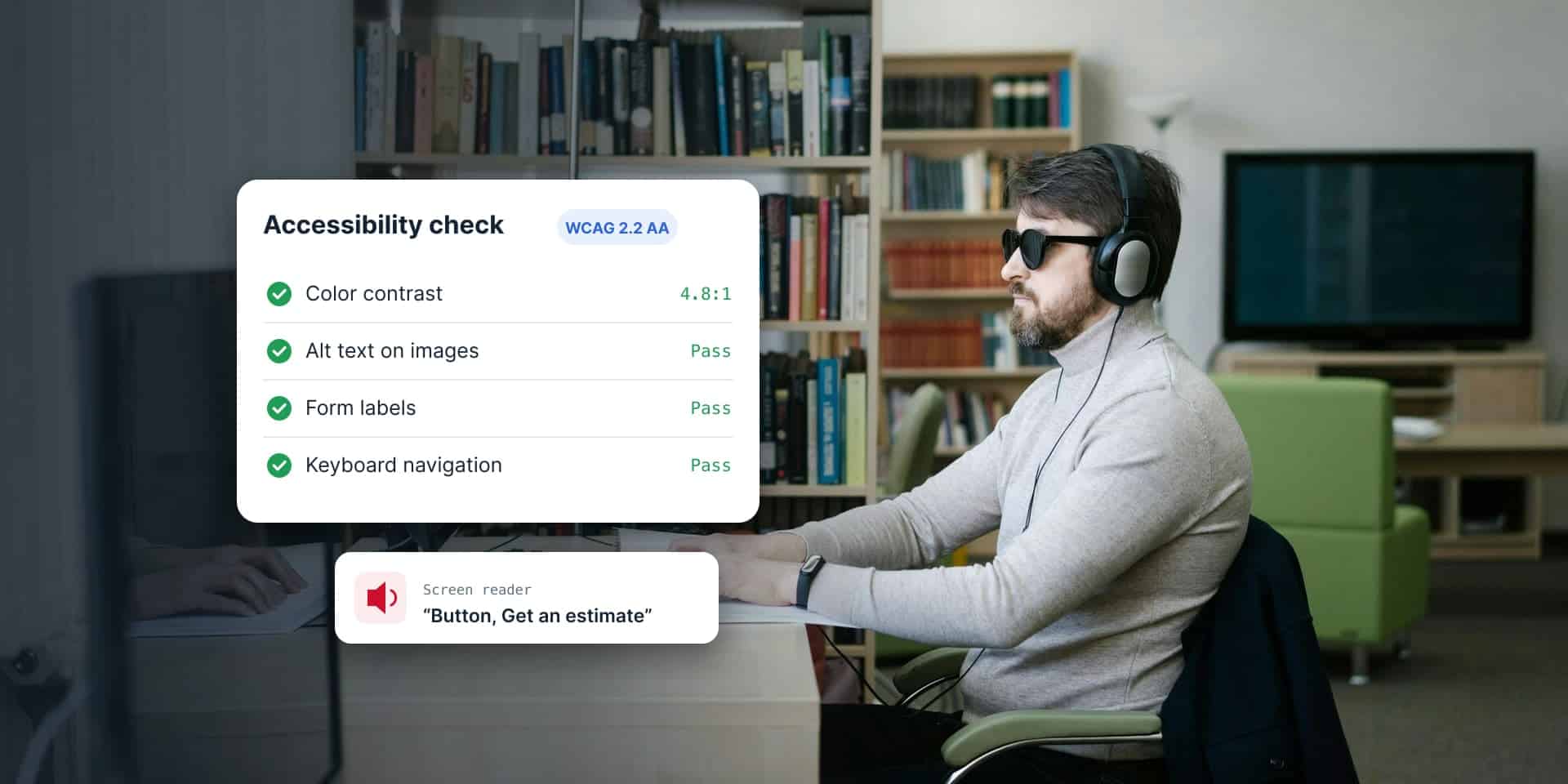
We test with automated tools, keyboards, screen readers, and zoom, then confirm every issue by hand.
Report
You get a plain-English report with each issue, who it affects, and how to fix it, sorted by impact.
Fix and retest
We fix the issues, or hand the list to your team. Then we retest and document the results.
What's included
Everything it takes to find and fix barriers.
Every accessibility audit includes these.
- Testing against WCAG 2.2 Level AA
- Keyboard, screen reader, and zoom testing
- A plain-English report sorted by impact
- Fix recommendations with code examples
- A walkthrough call with your team
- A retest after fixes
Under the hood
Real tools, real people.
Automated scanners catch only some issues. The rest takes a person with a keyboard and a screen reader, so that's how we test.
- Automated scanners
- Desktop screen readers
- Mobile screen readers
- Keyboard testing
- Zoom and reflow testing
- Contrast checkers
Accessibility work
Accessibility work we've done
Clay is a true unicorn among developers. His depth of knowledge is remarkable, and he pairs it with a collaborative, easygoing style that makes him genuinely easy to work with. Clay is the only developer our agency will work with. We see him as an integral partner who helps make our work shine.
FAQ
Accessibility questions
Which WCAG level do you test against?
WCAG 2.2 Level AA, the current version of the standard. Meeting it also meets 2.1 AA, the level many laws and contracts still name. If your project needs a different target, we confirm it during scoping.
Will an audit make us compliant?
Not by itself. An audit shows you where the barriers are and how to remove them. Fixing them, and keeping them fixed, is what gets you there. We help with both.
Can't we just install an accessibility overlay?
We don't recommend it. Overlays don't fix the code underneath, and many screen reader users switch them off. Fixing the site itself is what works.
Can you fix the issues too?
Yes. We can fix them ourselves, work alongside your developers, or hand your team a detailed list. Your call.
Do you only work with Minneapolis businesses?
No. We're based in Minneapolis and audit sites and apps for organizations across the Twin Cities, Minnesota, and the US. Testing happens remotely, and we're happy to walk through findings in person in Minneapolis or St. Paul.
Related services
Want to know where your site stands? Let's talk.
We'll start with the pages that matter most and go from there.