How Much Does a Custom Web App Cost?
Custom web apps run from about $15,000 to $150,000+. What drives the cost, when to build or buy, and why starting small keeps the budget down.
 Clay Johnston · 7 min read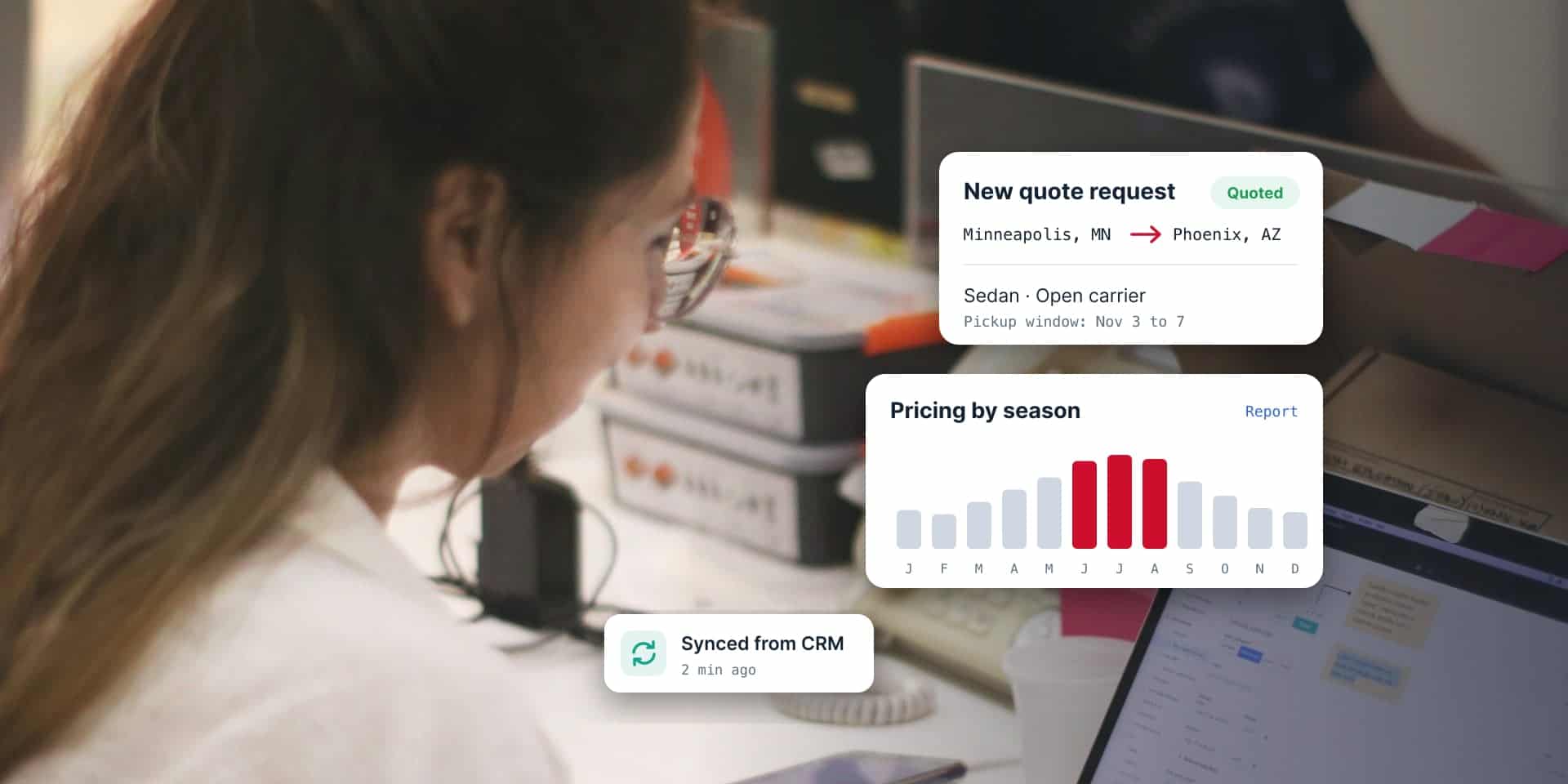
The short version
- Industry ranges put a simple custom web app at $15,000 to $25,000 and a complex one at $50,000 to $150,000.
- A custom web app doesn’t have to start from scratch. It can be one tool added to the website you already have.
- Reporting is a big part of the value. Save more data than you need on day one, so future reports are possible.
- You can always start smaller. Build the first useful version, then add to it.
- Budget for life after launch: hosting, updates, and services that bill per use. You own the code and the data either way.
Web application development cost starts around $15,000 for a simple tool and runs past $150,000 for a complex system. What it has to do decides where yours lands.
Most cost articles stop at that range. This one gets into what pushes a project up or down, from someone who has built and looked after custom web apps for more than 20 years.
How much does web application development cost?
Nobody publishes a standard price list. Industry estimates still give you a starting point. Monterail, a software development company, groups custom web apps by complexity (opens in a new tab):
| Type | Typical cost | Typical timeline |
|---|---|---|
| Simple web app | $15,000 to $25,000 | 2 to 3 months |
| Medium complexity | $25,000 to $45,000 | 3 to 6 months |
| Complex application | $50,000 to $150,000 | 6 to 12 months |
| Enterprise platform | $150,000 to $1,000,000+ | 12 months and up |

Those are industry estimates. They aren’t Sprung Interactive quotes. Where your developer works moves the number too: Clutch’s October 2026 pricing guide (opens in a new tab) lists most US web development agencies at $100 to $149 an hour.
Does a custom web app have to be built from scratch?
No. Say “custom web app” and people picture a giant system built from nothing. Sometimes that’s the job. A lot of the time it’s one tool added to a website you already have.
A custom tool is basically anything you can think up. Much of what we build pulls live data from another system through an API (application programming interface, the connection one system uses to talk to another), whether that’s products, images, schedules, or records.
Lakewood Cemetery (opens in a new tab) in Minneapolis is a good example. Its grave search and its list of upcoming funerals both pull live from Lakewood’s CRM, the customer relationship management system their staff already uses. Staff update one system. The website stays current, and nobody copies data by hand.
Because the website, the hosting, and the data already exist, a tool like that costs a fraction of a full system.
Should a custom tool live inside your website or on its own?
Either works. The choice changes the cost and the upkeep.
Some tools are built right into the website and run on the same hosting. Visitors never leave the site, and the tool matches its design. On WordPress sites, we usually run these on WP Engine with the rest of the site.
Other tools get their own subdomain, like tools.yoursite.com or portal.yoursite.com. That keeps a bigger app separate from the marketing site, so each one gets updated, secured, and scaled on its own schedule. When we build those with React, they usually run on Vercel or AWS.
Our rule of thumb: if the tool is a feature of the website, build it in. If your team or your customers log in to it every day, give it its own space.
What does a custom web app look like after 20 years?
Sometimes nothing off the shelf does what a business needs. Direct Express Auto Transport (opens in a new tab) is one of those businesses.
They quote, book, and manage car shipments across the country, and no software on the market did it the way they work. So we built it from scratch more than 20 years ago. Still running.
Today the system covers their quote engine, dispatch, carrier assignments, payments, and shipment tracking, and it has handled thousands of orders and more than 10,000 cars shipped. About 20 custom reports show where their pricing should sit, season by season.
It wasn’t finished on launch day. It was never supposed to be. We’ve maintained it the whole time, tweaked it as the business changed, and built new reports whenever new questions came up.
Why does reporting matter so much in a custom web app?
Reports are often the most valuable part of the app. A custom web app collects data on every quote, order, customer, and click, and the right reports turn that into decisions, like when to raise prices or which services make money.
You can only report on data you saved, though.
So we often collect more than a client needs on day one. A field that looks pointless today can answer an important question three years from now, and adding it later won’t bring back the history you didn’t keep.
Some reports we build into the app. Others work better in third-party tools like Google Analytics or a business intelligence dashboard. Either way, the data has to be there first.
What drives the cost of a custom web app?
These move the number more than anything else:
- Users and roles. One admin is simple. Customers, staff, managers, and outside partners who each see different things take more work.
- Connections to other systems. Payments, accounting, CRMs, shipping, maps, and texting each need setup and testing.
- Admin tools. Good admin screens save your staff hours every week. They take time to build.
- Moving your existing data. Years of spreadsheets need cleanup before they go into a new system.
- Reports. Each custom report is a small project.
- Security. Personal information, payments, and health data all raise the bar.
Should you build a custom web app or buy software?
Buy it if something off the shelf already does the job. Software you subscribe to, called SaaS (software as a service), is usually faster to start and cheaper in year one.
Custom makes sense when nothing fits the way you work, or when subscription fees pile up. Many SaaS tools charge per user, every month, forever. A custom tool costs more up front, but you own it, and it can run for years. Direct Express has run theirs for more than 20.
There’s a cheaper middle path, too. Use off-the-shelf tools for what they do well, like payments, logins, or email, and connect them. Then build only the part that doesn’t exist yet. For a lot of businesses, that’s the best value.
Can you start with a smaller version?
Yes, and you should. You can always start smaller.
Build the first version that’s useful, put it in front of real people, and see what they use. A month in, the features people ask for are often different from the ones on the original wish list. Starting small keeps the first budget down and saves the rest for what matters.
If your team runs the business on a spreadsheet, version one might just replace that spreadsheet. Bonus: nobody has to ask who sorted column F.
How much do AI features add to a web app?
AI features add a cost that keeps going after launch. Most AI services, like the ones behind ChatGPT, charge by usage. Every question your app sends costs a little, so the bill grows with your traffic.
That’s the difference from the rest of the build: you pay to build an AI feature once, then pay to run it every month. Start with one feature that saves real time, like summarizing records or drafting replies. Watch the usage before you add more.
What does a web app cost after launch?
Launch day isn’t the last bill. The app and its database need hosting. It needs security updates, bug fixes, and changes as browsers and systems move on, and Monterail estimates maintenance at 15% to 25% of the build cost every year (opens in a new tab).
Then there are services that bill per use. Text messages, maps, payment processing, and AI features usually charge each time they’re used. Good apps also grow with the business, so plan for new features and reports along the way.
Who owns the code and the data?
You do. Always. We’re the builder, and it works like building a house: when it’s finished, the house is yours. The code and every piece of data in your custom web app belong to you.
Ask about this before you sign with any developer. Some agencies keep ownership of the code or lock you into their platform. You should be able to take your app and your data anywhere.
Have a tool in mind? Start with a conversation.
Tell us what your team does by hand today, or what a customer can’t do on your site yet. We’ll tell you whether to buy it, connect it, or build it, and what the smallest useful first version looks like.
See how we build custom web applications, browse our work, or tell us about your project. We’ll get back to you within one business day.
Frequently asked questions
How much does a custom web app cost?
Industry estimates put a simple custom web app at $15,000 to $25,000, a medium-complexity app at $25,000 to $45,000, and a complex application at $50,000 to $150,000. Users and roles, connections to other systems, admin tools, and reports move the number most.
How long does it take to build a web app?
About 2 to 3 months for a simple web app and 3 to 6 months for a medium-complexity one, based on industry estimates. Complex applications often take 6 to 12 months. Starting with a smaller first version shortens the first launch.
Can you add a custom tool to my existing website?
Yes. Many custom web apps are one tool added to a site you already have, like a search that pulls live data from your CRM. The website and hosting already exist, so a tool like that costs far less than a full system.
How much does it cost to maintain a web app?
Plan for hosting, security updates, bug fixes, and services that bill per use, like texting, maps, payments, and AI features. Industry estimates put maintenance at 15% to 25% of the build cost each year.
Is it cheaper to build a web app or buy software?
If off-the-shelf software does the job, buying is usually cheaper in year one. Build when nothing fits the way you work, or when per-user subscription fees keep adding up. The middle path, connecting off-the-shelf tools and building only the missing piece, often costs the least.
Who owns the code for a custom web app?
You should. At Sprung Interactive, the client always owns the code and the data. Before you sign with any developer, confirm in writing that the code and data are yours to take anywhere.
Do AI features make a web app cost more?
Yes, mostly after launch. AI services charge by usage, so every request your app sends adds to a monthly bill that grows with traffic. Start with one AI feature that saves real time and watch the usage before adding more.

Written by Clay Johnston
Founder of Sprung Interactive in Minneapolis. Building for the web since 1995 and still answering his own email. More about Clay